
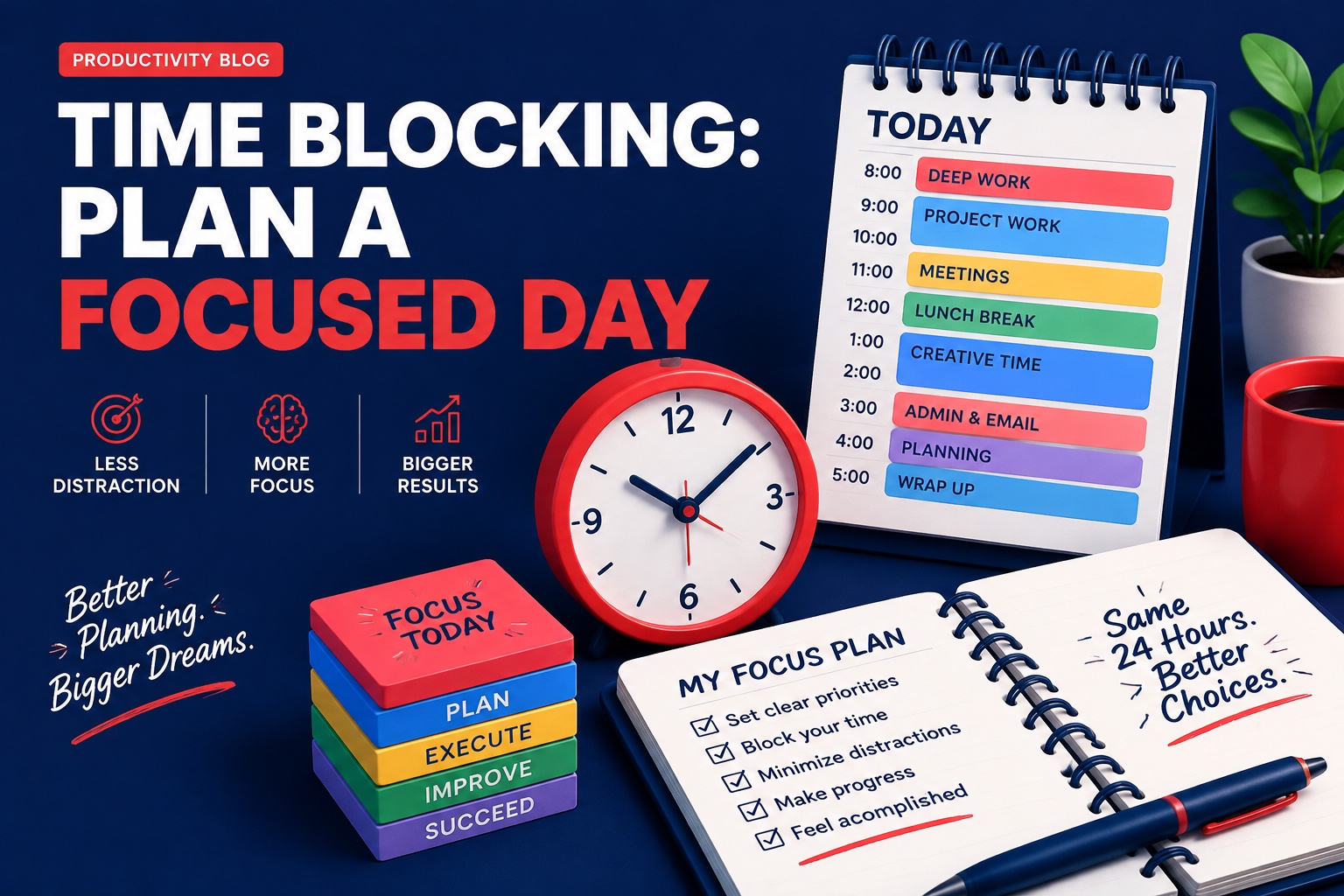
Time blocking means giving every important task a reserved slot on your calendar instead of working from an endless to-do list. When a task has a time, it stops competing with everything else.
Here is a simple method, a sample day you can copy and a way to recover when the day does not go to plan.
Why time blocking works
A list tells you what to do; a calendar tells you when. Deciding in advance reduces the number of choices you make during the day and makes it easier to protect focused work from messages and small requests.
How to time block in 5 steps
- List fixed commitments first: work hours, school runs, appointments.
- Choose one or two 'deep work' blocks of 60–90 minutes.
- Batch small tasks (email, messages, admin) into one or two short blocks.
- Add buffers of 10–15 minutes between blocks.
- Schedule a hard stop and a recovery block.
Sample time blocking schedule
This is an illustration, not a rule. Shift workers and parents can use the same structure on any hours they actually have.
- 7:00–7:30 — Morning routine and plan check
- 8:00–9:30 — Deep work: your most important project
- 9:30–9:45 — Buffer
- 9:45–10:30 — Email and messages batch
- 10:30–12:00 — Meetings or client work
- 12:00–1:00 — Lunch and walk
- 1:00–2:30 — Second focus block
- 2:30–3:00 — Admin batch
- 3:00–5:00 — Flexible / family / errands
- Evening — Off; 10-minute plan for tomorrow
Color-code your blocks
A quick glance shows whether your week is balanced—or all blue meetings and no red progress.
- Red: deep, money-making or creative work.
- Blue: meetings and communication.
- Yellow: admin and errands.
- Green: rest, health and family.
What to do when the day breaks
Interruptions are normal. Instead of abandoning the plan, move the missed block to the next open buffer, or shrink it to a 15-minute version. One protected block a day is still a win.
Time blocking vs. other methods
- Pomodoro: 25-minute sprints—works inside a time block.
- Task batching: grouping similar tasks—becomes a block.
- Day theming: one focus per day (e.g., Monday = marketing).
Make it visual
A printed chart makes the plan harder to ignore. The Productivity Tracker Cheat Chart and the free habit tracker in our resources library pair well with a time-blocked calendar.
Sources and further context
Your next useful read
Frequently asked questions
How long should a time block be?
Focused work blocks of 60–90 minutes suit many people; admin blocks can be 20–30 minutes. Adjust to your energy.
Is time blocking good for ADHD?
Some people find external structure helpful, others find rigid schedules stressful. Try short blocks and generous buffers, and consult a professional for personal guidance.
What app should I use for time blocking?
Any calendar works—Google Calendar, Outlook or paper. Consistency matters more than the tool.
Track your focused hours
The Productivity Tracker Cheat Chart turns your time blocks into visible daily progress.