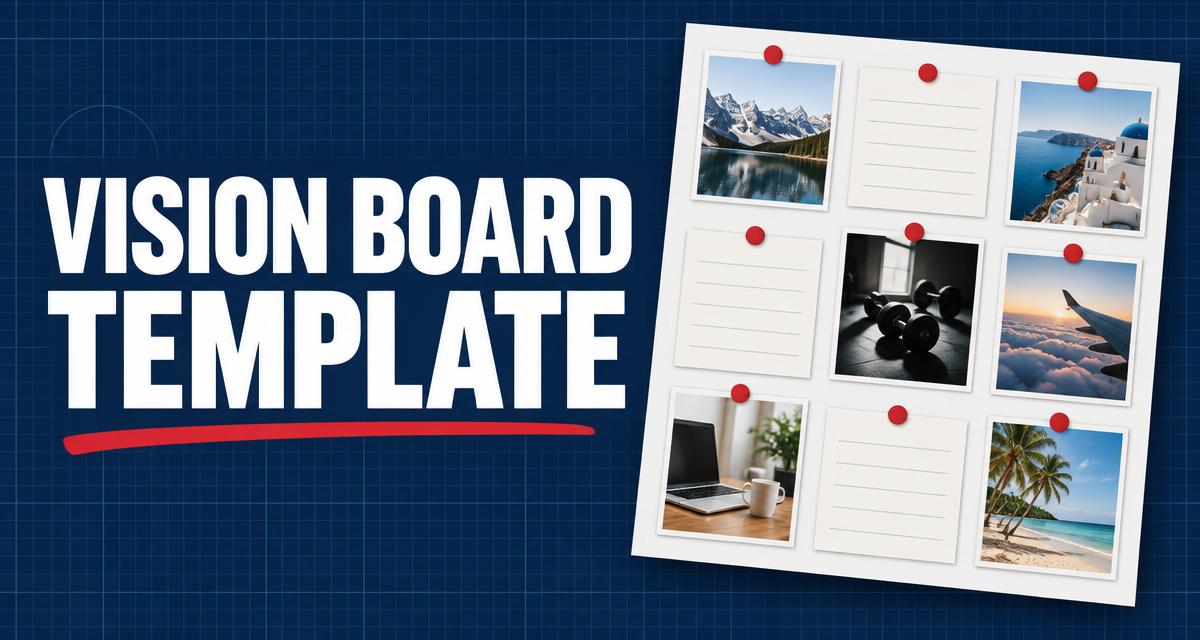
Most vision boards fail for one reason: they are collages of nice pictures with no system behind them. A good vision board template fixes that by giving every image a category, a goal and a review rhythm — so the board becomes a planning tool, not wall art.
This guide walks through a template structure you can print today: the categories that matter, how to turn each image into a measurable goal, and the weekly habit that makes the whole thing work.
Why most vision boards don't work
A vision board works when it answers three questions at a glance: what do I want, by when, and what is the next step. Random magazine cutouts answer none of them. The fix is structure — a template with defined sections forces you to be specific before you paste anything.
Specificity is what your brain acts on. 'Travel more' is a wish. 'One international trip by June, saving $200 a month' is a plan your board can remind you of every morning.
The six categories every template needs
- Money — income targets, savings milestones, debt payoff dates.
- Work or business — the launch, the promotion, the product, the client count.
- Health — energy, strength, sleep; one or two measurable habits.
- Relationships — time with the people who matter, stated as actions.
- Learning — the skill or credential you are building this year.
- Joy — trips, hobbies and experiences; the board should include fun, not just grind.
Turn every image into a goal
For each picture you place, write one line under it: the goal, the date and the first step. A beach photo becomes 'Two weeks in Portugal, September 2027 — open a savings sub-account this week.' The image supplies emotion; the line supplies direction.
Limit yourself to two or three goals per category. A crowded board dilutes attention — twelve focused goals outperform forty vague ones.
The weekly review that makes it stick
A vision board only works if you look at it on a schedule. Put a five-minute review in your calendar every Sunday: scan each category, check what moved forward, and pick one action for the coming week.
Pair the board with a tracker. When a milestone is hit, mark it visibly — progress on paper is motivating in a way an app notification never is.
Printable vs digital boards
Printable boards win on presence: pinned where you see them daily, they work passively. Digital boards win on editing: easy to update as goals change. Many people use both — a printed master board at the desk, a digital version on the phone.
If you print, use a template with pre-drawn category boxes so the layout stays clean as you swap images over the year.
Frequently asked questions
What should I put on a vision board?
Six categories cover most lives: money, work or business, health, relationships, learning and joy. Under each image, write the goal, a date and the first step — the words matter more than the pictures.
How often should I look at my vision board?
Daily glances plus a scheduled five-minute weekly review. The weekly review is where you convert inspiration into one concrete action for the coming week.
Do vision boards actually work?
They work as a focus tool: keeping goals visible improves follow-through, especially when each image is tied to a specific goal and date. A board of vague pictures with no review habit does very little.
Is a printable or digital vision board better?
Printable boards win on daily visibility; digital boards are easier to update. Use a printed master board where you work and a digital copy on your phone for the best of both.
Design your year on one page
The Life Design Cheat Chart gives you a printable goal-mapping system — categories, milestones and weekly review built in.